
How to Replace Echo Weed Eater Sring Line: Simple Guide for All Echo Models
Replacing the string on your Echo weed eater is one of the most manageable maintenance tasks you can perform, and doing it correctly ensures clean cuts, less vibration, and better fuel efficiency.
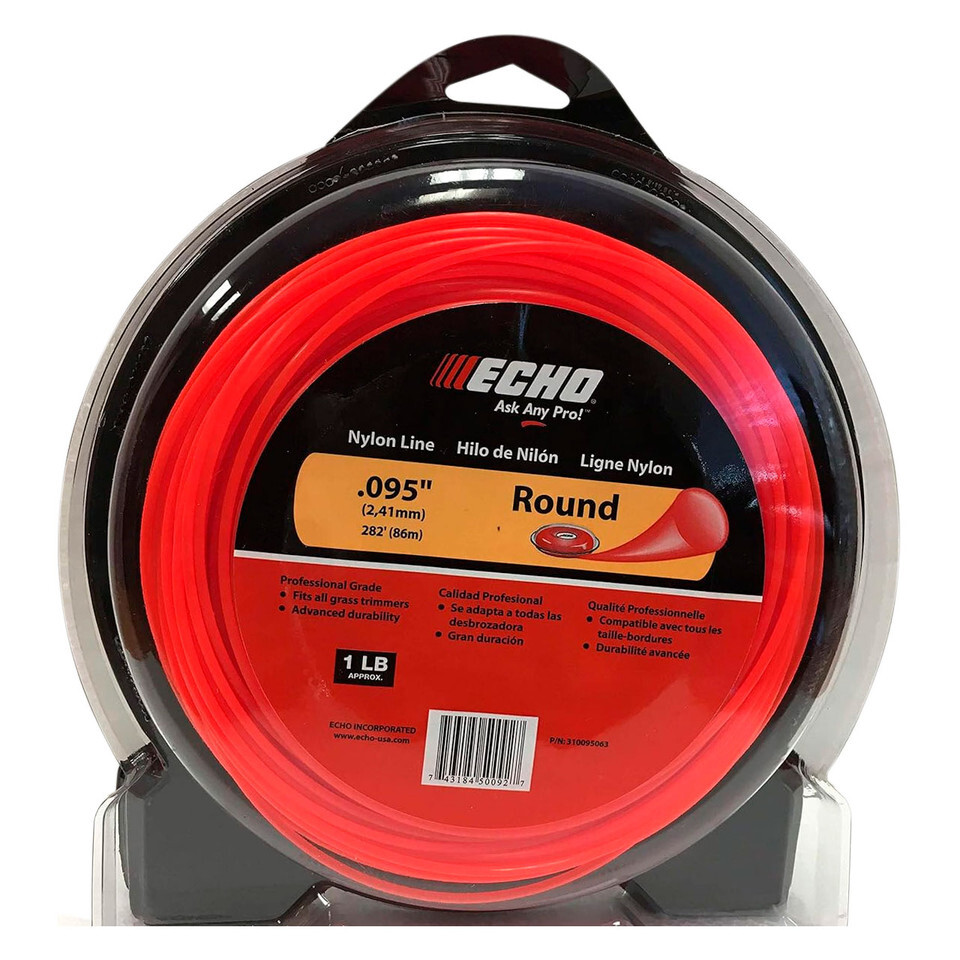
In this guide, you’ll learn exactly how to replace the Echo weed eater string and how to change the Echo weed eater string on popular Echo models, including Speed-Feed heads.
How the Echo Trimmer Head Works
Most Echo weed eaters use a bump-feed or Speed-Feed trimmer head. These systems feed the echo trimmer line automatically when you tap the head on the ground while trimming. The process to reload them is simple, but technique matters to avoid jams or uneven winding.
How to Replace Echo Weed Eater String (Step-by-Step)
| Step | Description |
|---|---|
| Step 1: Power Off the Trimmer | Disconnect the spark plug (gas models) or remove the battery (electric models). This prevents accidental startup. |
| Step 2: Remove the Trimmer Head Cap | Press the locking tabs on both sides of the Echo trimmer head and pull the cover straight off. Inside, you’ll see the spool where the line is wound. |
| Step 3: Cut the New Line | Echo recommends .095-inch trimmer line for most models. Cut two lengths of 8–10 feet, or one if your model uses a single-line spool. |
| Step 4: Wind the Line onto the Spool | Follow the directional arrows molded on the spool. Insert the line end into the starter hole, then wind evenly and tightly. Leave 4–6 inches unwound at the end. |
| Step 5: Seat the Line and Reassemble | Place each line end through the eyelets on the Echo head. Hold tension as you snap the cap back into place until both tabs lock. |
How to Change Echo Speed-Feed String (Fastest Method)
| Step | Description |
|---|---|
| Step 1: Align Arrows | Rotate the head until the two alignment arrows line up. This allows line to pass straight through the head. |
| Step 2: Insert the Line Straight Through | Push 10–12 feet of trimmer line through the head until both sides are even. |
| Step 3: Wind Using the Head Knob | Turn the winding knob clockwise. The line will automatically wind evenly inside the spool—no need to open the head. |
Best Line Size for Echo Weed Eaters
For best cutting performance and durability, Echo recommends:
- .080" – light trimming
- .095" – most common, best all-around
- .105" – heavy brush and thick weeds
Common Problems When Replacing the Echo String
- Line jams: Caused by uneven winding or overlapping coils.
- Line won’t feed: Usually due to an incorrect line size or a worn bump knob.
- Line melts: Happens when the line is too thin or wound too loosely.
Final Tips for Smooth Trimming
Always use high-quality trimmer line, keep the cutting shield clean, and replace worn trimmer heads when feeding becomes inconsistent. With proper string installation, your Echo weed eater will cut cleaner and last longer.
Recent Posts
-
How to Replace Echo Weed Eater Sring Line: Simple Guide for All Echo Models
Replacing the string on your Echo weed eater is one of the most manageable maintenance tasks you ca …Dec 12th 2025 -
Echo SRM-225: The 2025 Trend in Power and Reliability
The Echo SRM-225 remains one of the most trusted trimmers for homeowners and professionals alike. As …Nov 3rd 2025 -

Echo Chainsaw and Best Lawn Mowers Models in 2025: Performance, Innovation, and Reliable Parts
When it comes to professional-grade chainsaws, Echo continues to be a frontrunner in 2025. Known for …Oct 7th 2025